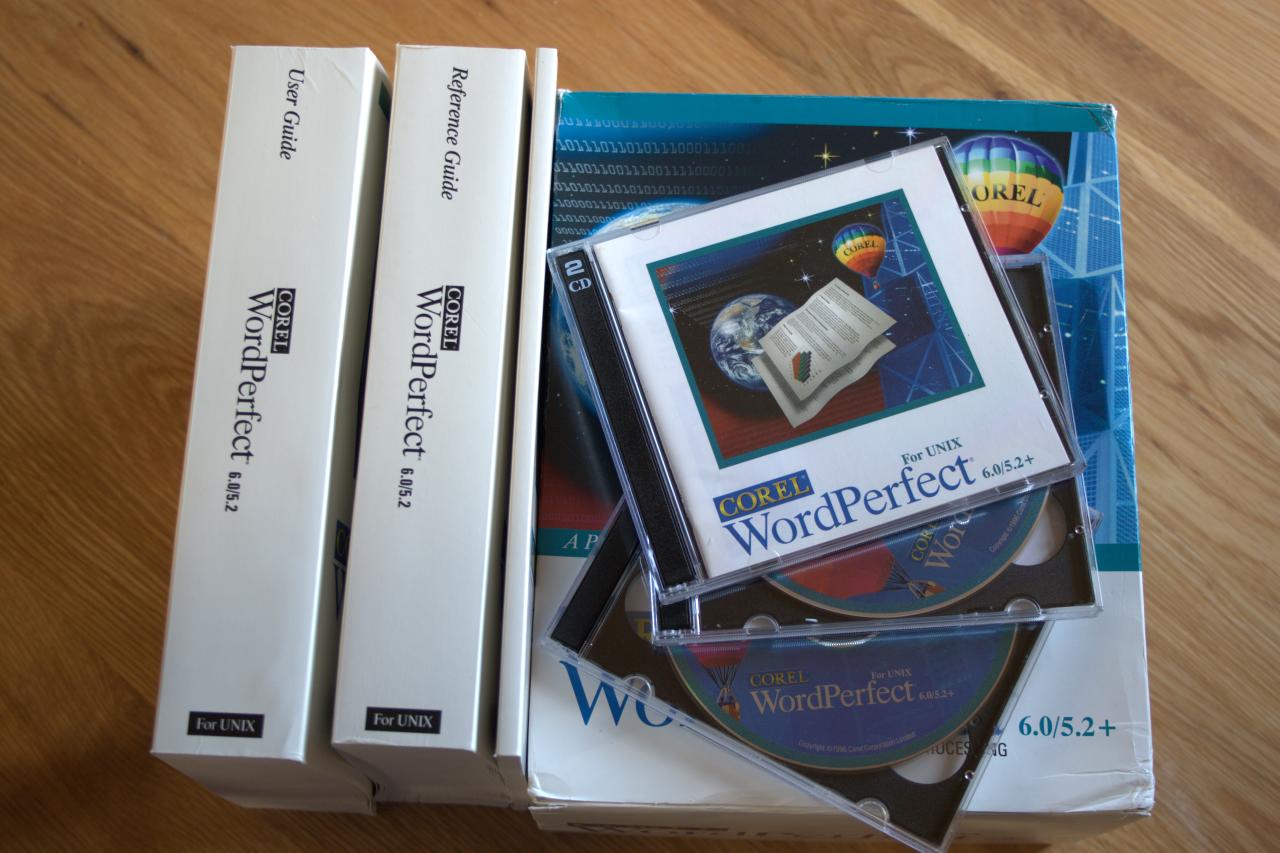
I thought I’d have a play with WordPerfect 6.0 on the SGI Indigo 2 today. I was curious as to how I could use WordPerfect to create a blog entry.
What I found was quite surprising. Instead of having to resort to embedding HTML tags directly in the file whilst writing it, I was able to find a chain of commands that would allow me to convert the WordPerfect 6.0 file directly into HTML. For blog posts this doesn’t work fantastically, although it does work of a fashion.
The magic ingredient is LibreOffice. This fantastic office suite comes as standard on a number of Linux distributions (e.g. ubuntu) and is a first-class piece of software. Having been pleasantly surprised at it supporting WordPerfect 6.0 files and then even better producing an excellent HTML representation of the page layout the icing on the cake came in the form of a commandline conversion tool.
So, once created on the SGI I can ftp the WordPerfect source file over to my linux machine and use the following command to convert it into HTML:
libreoffice --writer --convert-to html wordperfect-test.wp
This requires an X-display to be configured. The application briefly pops up then closes:
Xlib: extension "XINERAMA" missing on display "iris.hecnet.eu:0.0".
Xlib: extension "RANDR" missing on display "iris.hecnet.eu:0.0".
convert /home/msw/wordperfecttest.wp > /home/msw/wordperfect-test.html using XHTML Writer File
Overwriting: /home/msw/wordperfect-test.html
The power of this is that it would be entirely possible to auto-publish a complete blog from a set of WordPerfect files. The issue of requiring an X-display could easily be counteracted by running a VNC server on the linux box and directing the X-display to that session (e.g export DISPLAY=hpm:1). A timed job could pick up new WordPerfect files and automatically convert them and publish them.
All good stuff! You should definitely check out the WordPerfect generated HTML.
On a technical note LibreOffice appears to be parse the WordPerfect file based on style-change boundaries. Each block of text which is the same style then has a CSS style applied to it. I had to select a generic postscript printer output device in order to have generic fonts such as Courier, Times and Helvetica available. Do you remember when word processors had fonts specific to those supported by the output device?
In other news I started adding the recently acquired graphics card, SCSI card and Flash IDE card to the Sun Ultra 5. The first fail is that Solaris 9 threw errors when attempting to format the Flash SSD card. So I guess that is out. I then spent an hour rooting through my garage to find suitable hard disks (50 pin single-ended SCSI or 80 pin SCA with an adapter, or 68 pin wide single-ended) to attach to the bootable SCSI card.


You must be logged in to post a comment.